FOR PRINT SHOPS
Print approval for print shops
A print shop should ask the customer to approve the artwork they will produce, and keep a record of which image was accepted. ApproveLoop does that for a still image: upload a PNG, JPEG, or WebP preview, send one private link, and the customer pins comments or approves that version. It does not open print-ready PDFs or check bleed, CMYK, or color.
Spelling, finished size, crop and bleed, colors, logo placement, and quantity still need a human check. An approval is not a legal signature and not a color-accurate proof.
Free plan: $0. One active project, no credit card.
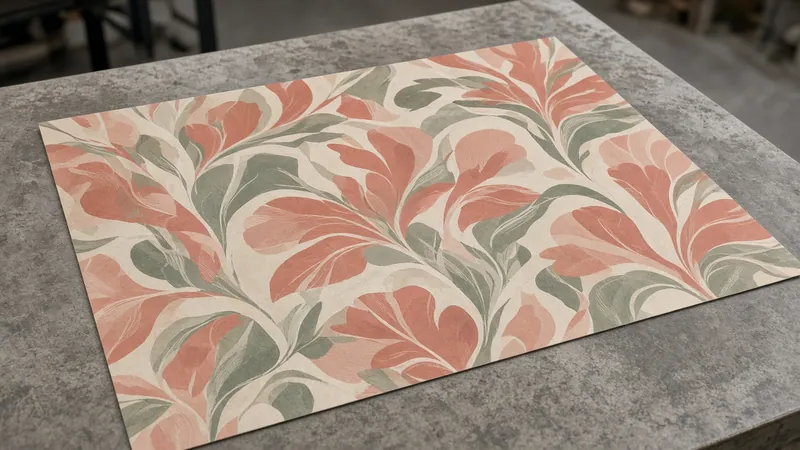
Deepen this coral, and keep the cream ground.
EXAMPLE
A banner preview, then the revised color
Fictional banner, shown to illustrate an artwork review. Not a customer’s work.
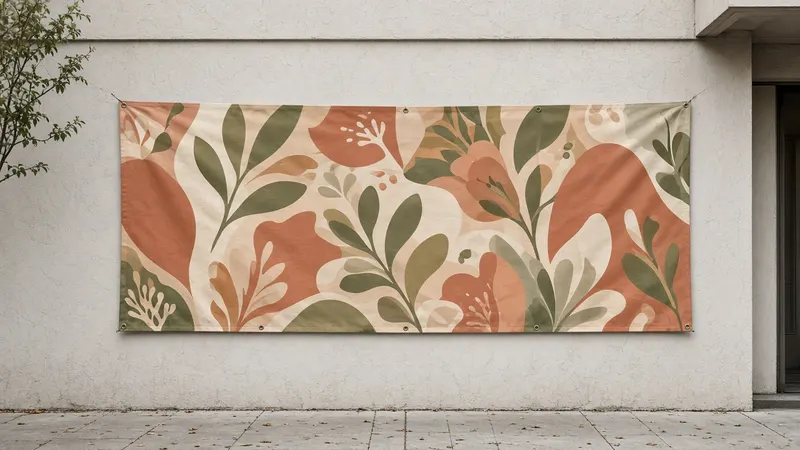
Customer Change this banner from terracotta to deep blue.

What should a print shop ask customers to approve before production?
Ask them to approve the artwork image they will be producing, and keep a record of which image they accepted. Upload a PNG, JPEG, or WebP preview, send one private link, and let the customer pin a comment or approve that version. ApproveLoop stores their name, the version number, and the time. It does not open a print-ready PDF, and it does not check spelling, size, bleed, colors, or quantity.
Artwork approval, then your own checks
The product records the image decision. Prepress still belongs to the shop.
-
01
Upload the preview image
Export a PNG, JPEG, or WebP preview of the banner or other artwork and upload it. This is the image the customer will see.
-
02
The customer comments or approves
They open the private link, pin a comment, or approve that version. They do not create an account. Submitting comments counts as one revision round.
-
03
Run the production checklist yourself
ApproveLoop keeps the decision on that image. Before you print, still confirm spelling, finished size, crop and bleed, colors, logo placement, and quantity.
Comments on the preview image
The customer clicks the preview and writes what should change, such as a color. You upload the next preview as a new version. ApproveLoop records that comment on the image they saw. It does not measure the file.
The accepted preview stays identifiable
Each preview upload is a new version. Comments and the approval stay on the image the customer saw. A later file does not inherit that approval. The record is not a legal signature.
What the shop still checks
ApproveLoop stores the image version the customer saw and whether they approved it. It does not measure the file. Before production, confirm spelling, finished size, crop and bleed, colors, logo placement, and quantity yourself.
Included
- The preview image the customer reviewed
- Comments pinned to that image
- Approval stored on that version
Not included
- PDF, bleed, or CMYK checks
- Color-managed or contract proofs
- A legal signature or a payment
Use it to stop the wrong artwork image from being treated as approved. Use your prepress checks for everything the image preview cannot prove.
Questions from print shops
Does it check bleed?
No. ApproveLoop does not measure bleed, crop, or finished size. Check those in your prepress workflow.
Can the customer approve a PDF?
No. Upload a PNG, JPEG, or WebP preview of the artwork. Print-ready PDFs are not supported.
What should the customer approve?
The preview image of the artwork, meaning the version they are looking at. They can pin a comment or approve that version. You still confirm spelling, finished size, crop and bleed, colors, logo placement, and quantity.
Is this a contract proof?
No. An approval records that a named person accepted a specific image version at a given time. It is not a color-managed proof, a contract proof, or a legal signature.
Related
Get the next artwork image approved
One active project for the next artwork preview. The customer reviews it through a private link, without an account.
Start my free projectFree plan: $0. One active project, no credit card.